Case study
Discogs Spinner
A local-first desktop, web, and CLI companion for browsing, spinning, and understanding a personal Discogs record collection.
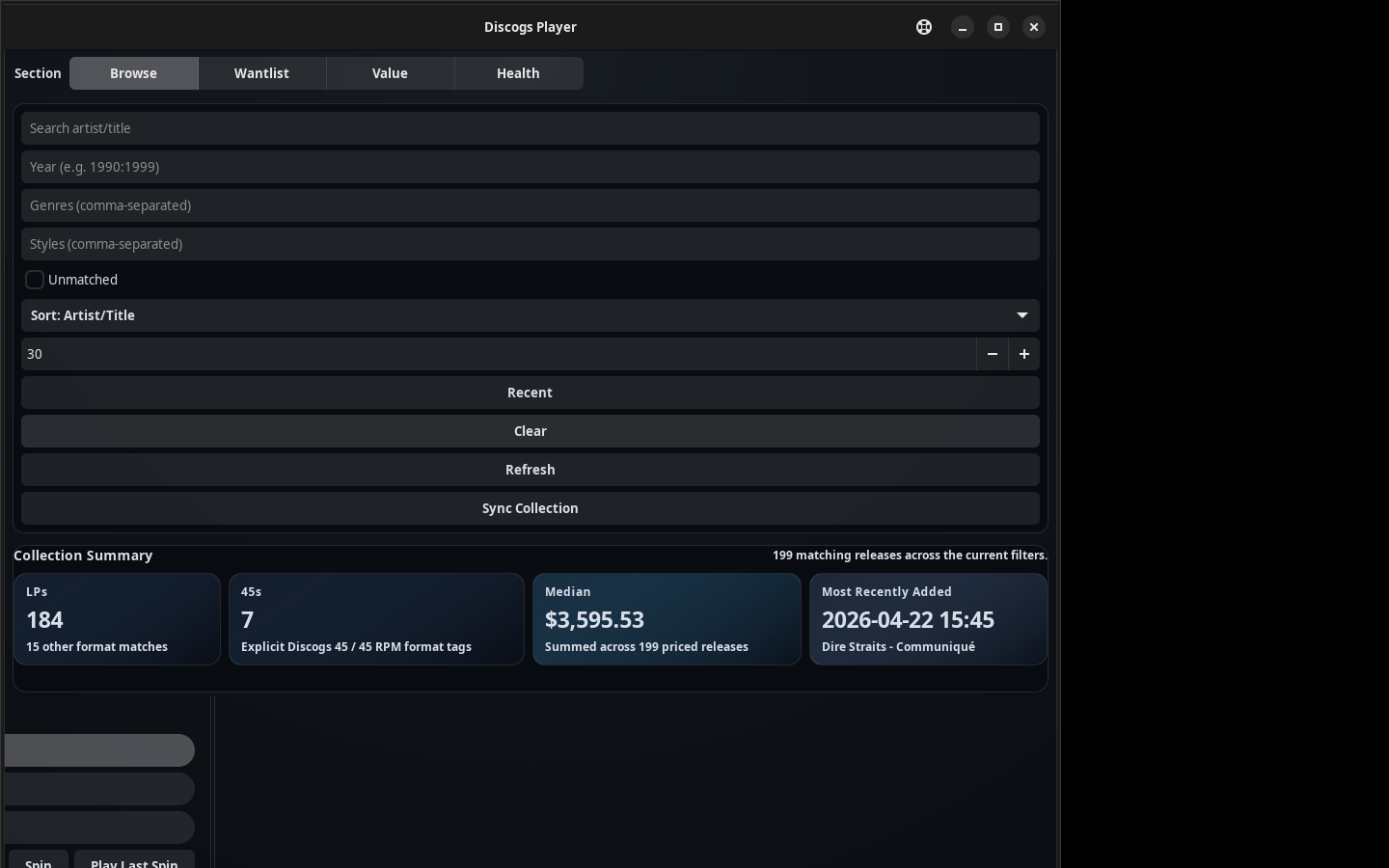
What it is
Discogs Spinner is a local-first companion for vinyl collectors who already keep a Discogs collection. It syncs the shelf once, keeps the useful context close, and turns “what should I play?” into a small, repeatable workflow. Browse, spin, inspect, then go put the record on.
A few plain answers up front:
- It needs a Discogs account and a personal access token so it can read your collection, wantlist, and market data.
- It does not stream audio. When playback is configured, it hands a selected album off to external services like Spotify or YouTube Music.
- It stores synced data in a local cache, so the collection stays usable when the network is down or an external service changes.
- It installs in one command via the Snap Store (Linux) and Winget (Windows), with direct downloads for Windows, macOS, and Linux.
- It runs on Windows, macOS, and Linux as an installed desktop app, with command-line and web-app modes for terminal-first or browser-first setups.
Available on the Snap Store & Winget
One-command install on Linux and Windows
On Linux: sudo snap install spinner-for-discogs. On Windows:
winget install ErichDonahue.SpinnerforDiscogs. Then paste your
Discogs token in the setup wizard, sync once, and start browsing the shelf.
Install from Snap Store Windows / macOS / Linux downloads Read the launch note
Why I built it
My collection lived in a browser tab. I would scroll when I could not decide what to play, open a second tab to check what something was worth, and a third app once I finally picked a record. I wanted one focused tool that kept the shelf, the random pick, the wantlist context, and the market value in the same place, on my own machine. The first useful version was not a dashboard. It was a practical record-picker that could grow into analytics once the data was clean enough.
The collector loop
The app is built around a short, repeatable loop:
- Sync the collection and wantlist from Discogs into a local cache.
- Browse and filter the shelf in a gallery, carousel, or text view.
- Spin for a random pick that honors the current filters.
- Inspect the release: details, cached tracklist, market value, and wantlist context.
- Play or open the record, handing it to an external player when that is configured.
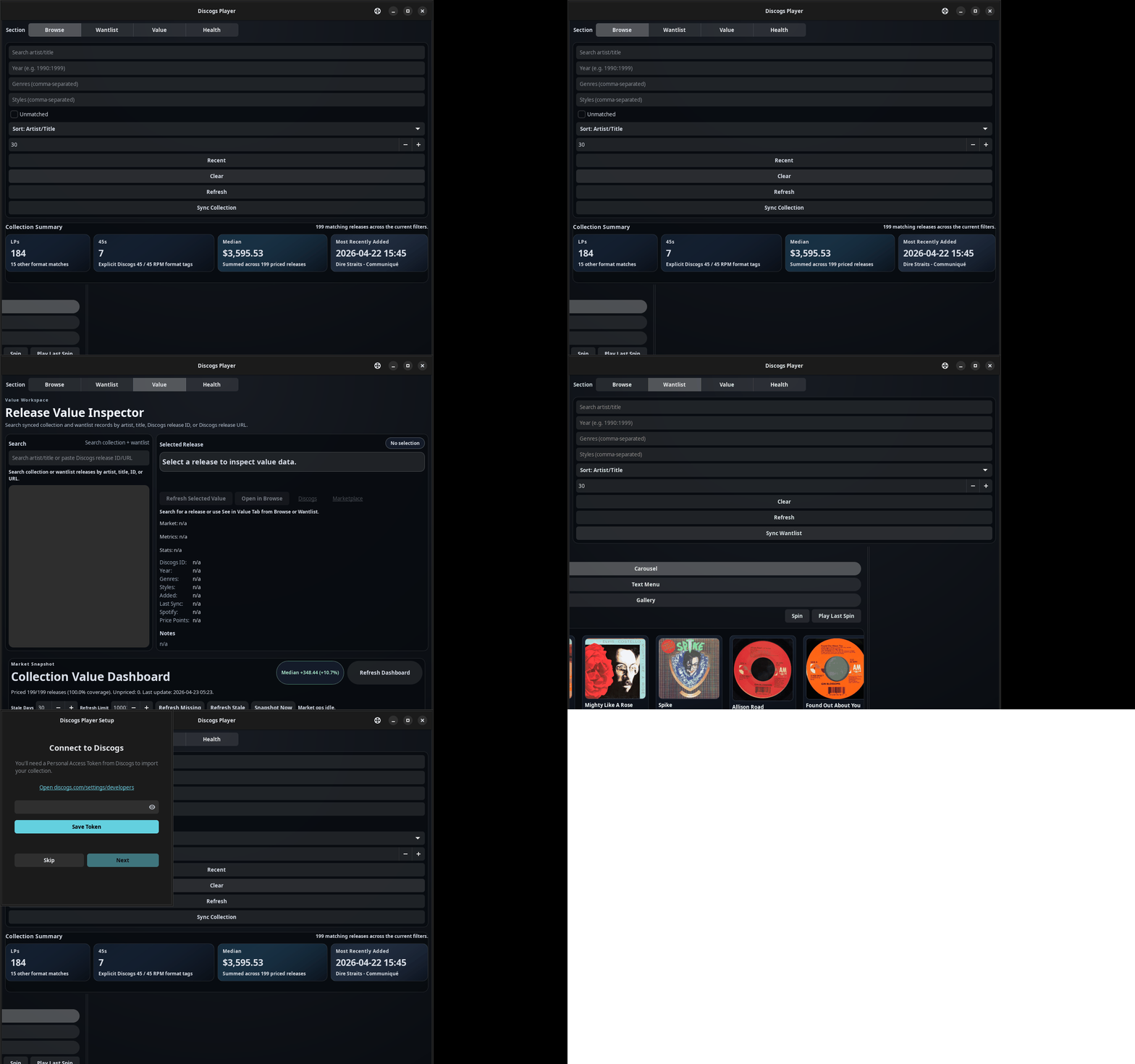
What works today
- Native desktop app for Windows, macOS and Linux. Installable via the Snap Store on Linux, Winget on Windows, or direct release assets.
- A first-run setup wizard that takes a Discogs token without touching a terminal.
- Collection and wantlist sync into a local cache.
- Browse in gallery, carousel, or text views, with filters and a one-click random spin.
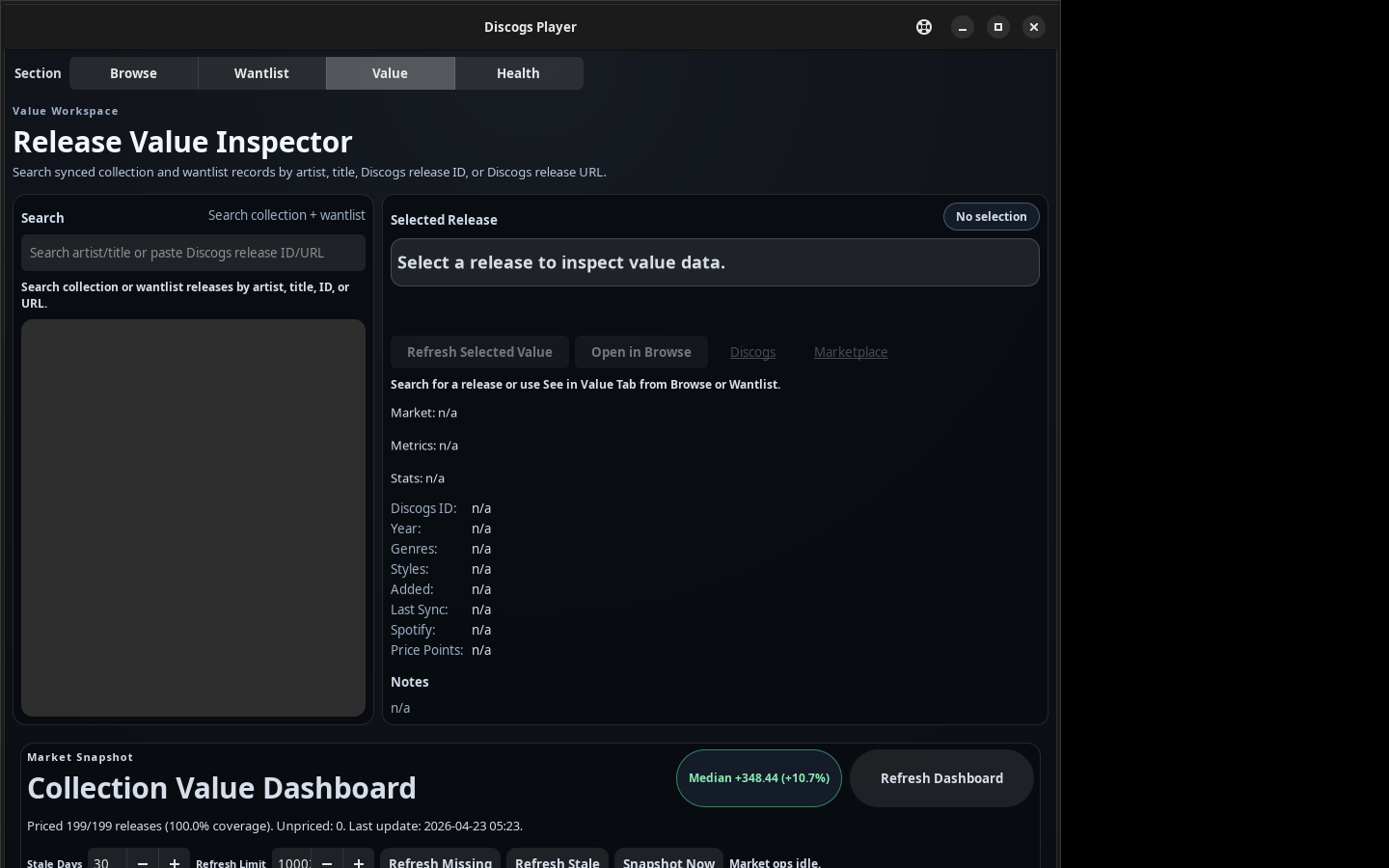
- A market value dashboard with price history, value movers, and a refresh queue.
- Hidden gems and a collection health check for spotting neglected or stale entries.
- Cached tracklists in the detail panel, with no extra round trip to Discogs.
- Export and share to CSV or Markdown for notes and spreadsheets.
- Optional Spotify or YouTube Music handoff for playback when a provider is connected.
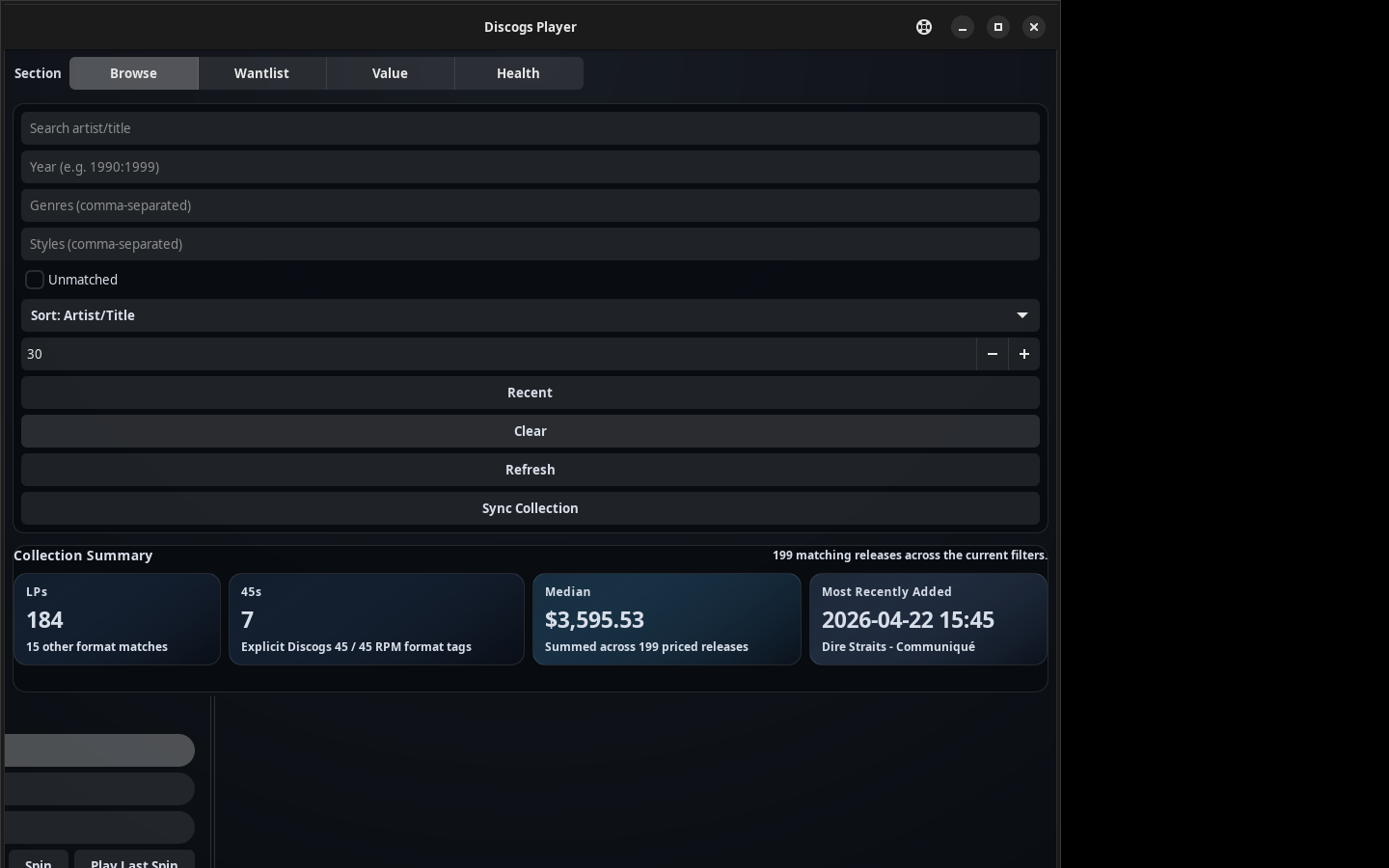
Screenshots
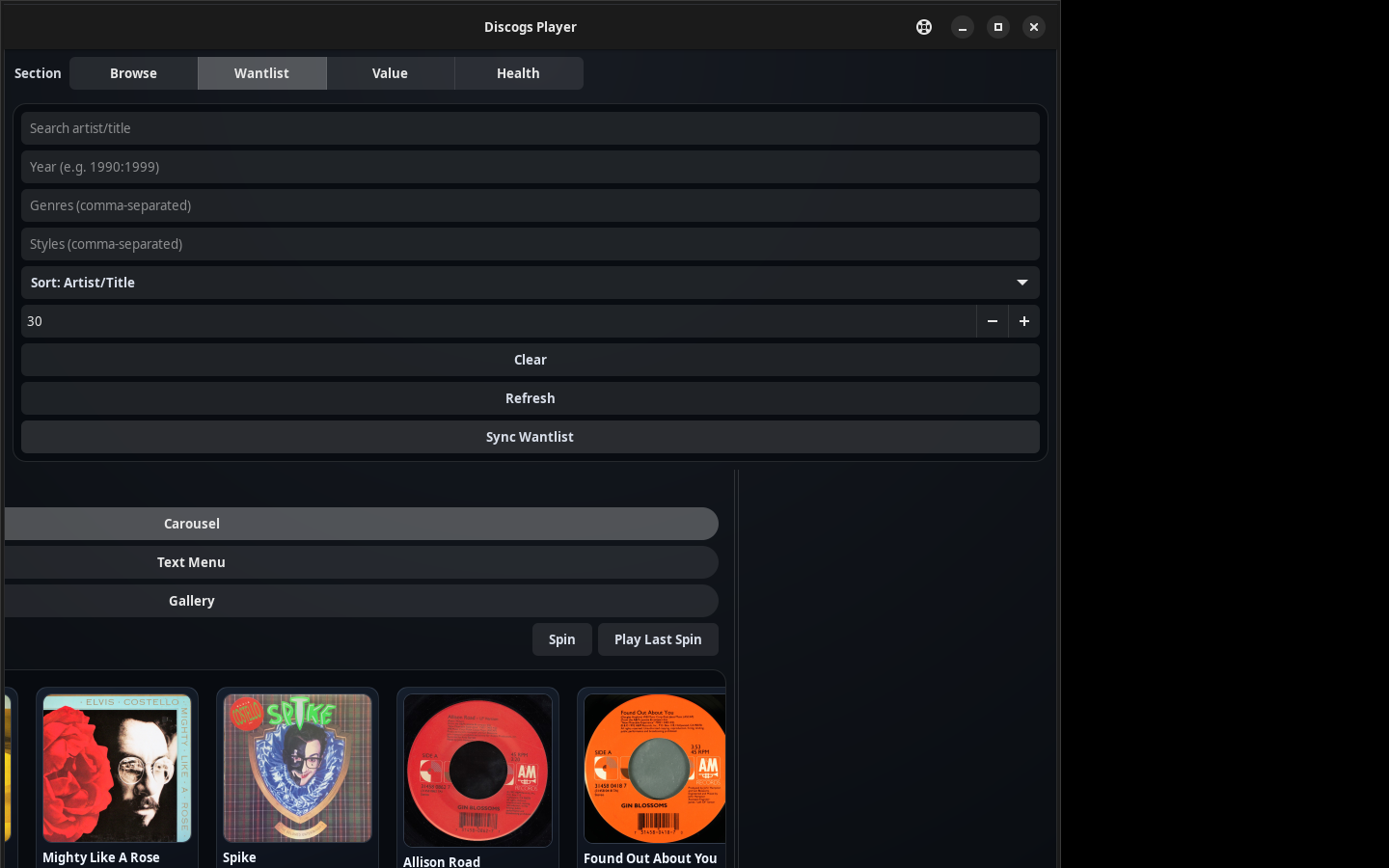
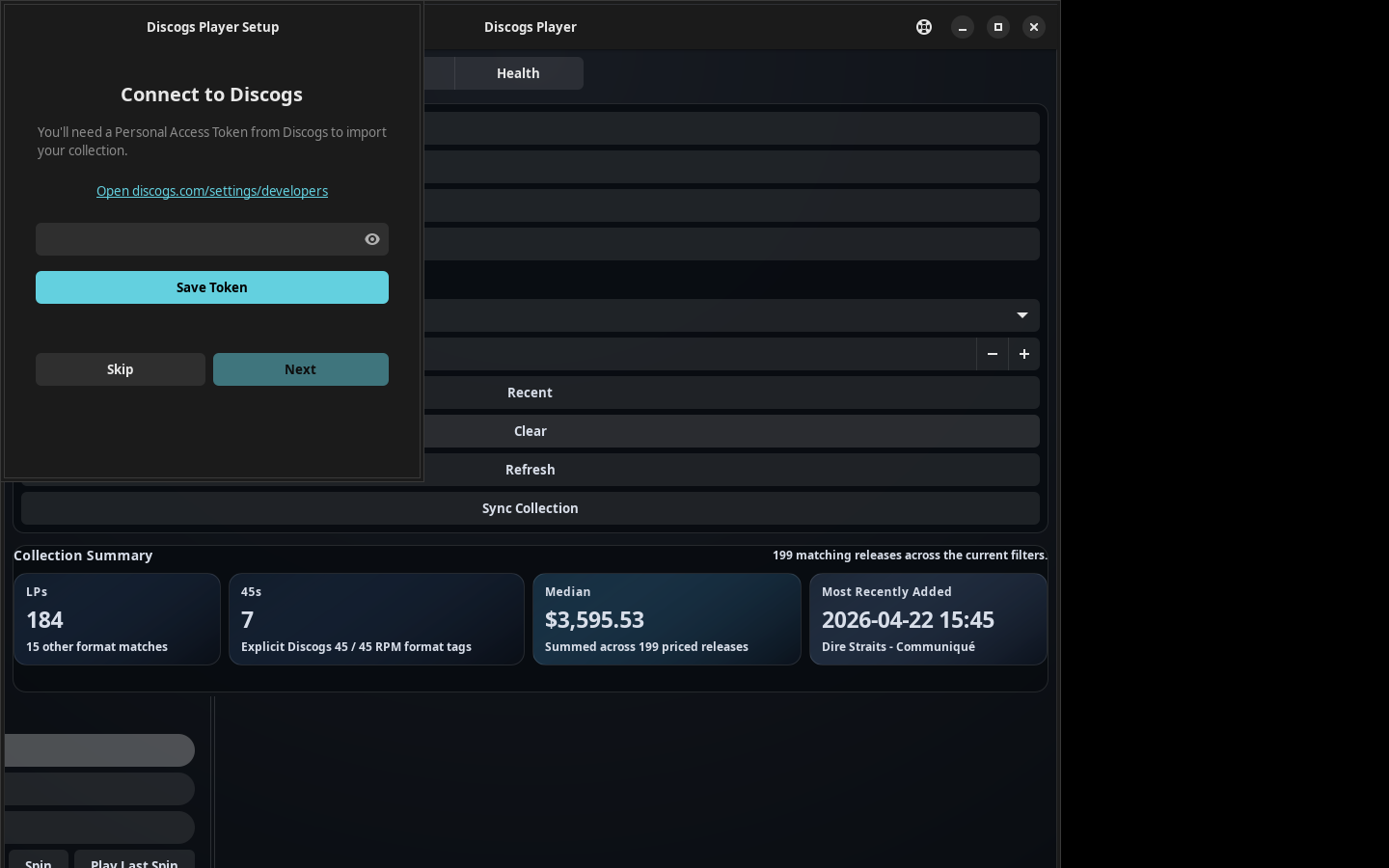
Technical shape
The project is mostly Python. One shared local data model sits behind three surfaces: the native desktop app, the dplayer CLI, and the web-app mode. Ingestion is kept separate from presentation, so the sync layer can pull collection, wantlist, and market data into a local cache while the views stay free to render from whatever is already on disk.
Practical details matter here. A personal access token is configured once. Cover art and tracklists are cached so the common workflows do not hammer the API. The desktop builds are packaged for Windows, macOS, and Linux, and every workflow is also reachable from the terminal, which keeps the tool usable over SSH or from a script.
Privacy and boundaries
Discogs Spinner is designed around a personal local cache. It uses a personal token and does not require an extra cloud account. Nothing about it asks the collection to leave the machine.
That boundary carries over to this page. The screenshots here are the sanitized ones from the public repository, and the writeup stays at the level of summaries and workflows. It does not publish a raw private inventory, prices for specific owned records, or anything that belongs in the local cache rather than on a public site.
This project uses the Discogs API but is not affiliated with, sponsored by, or endorsed by Discogs. Discogs is a trademark of Zink Media, LLC. Collection, wantlist, and market data in the screenshots is provided by Discogs.
What I learned
The useful lesson was one I keep relearning in professional data products. Ingestion and presentation need different boundaries, and the best interface starts from the decision someone is actually trying to make. A small personal tool benefits from the same discipline as a larger one. Keep enough source detail to rebuild any view, and keep the sync away from the screen. Here the decision was only ever which record to put on the turntable, and the tool is better for being designed around that rather than around the data.
Try it / source
- Install from the Snap Store (Linux)
- Install on Windows with Winget:
winget install ErichDonahue.SpinnerforDiscogs - View on GitHub
- Download direct release assets
- Read the setup guide
- Get a Discogs token
- Open Workbench
What’s next
The next useful improvements are sharper collection health checks, clearer wantlist workflows, and more focused “what should I play?” views. There is also a longer-term naming question worth sitting with: a unique mark such as “Crate Spinner for Discogs” would read more clearly as an unaffiliated tool. That is a future exploration, not this pass; for now the page documents the current public project name and repository.